
SAFORYNACADEMY
Public Wi-Fi & Crypto Wallet Security
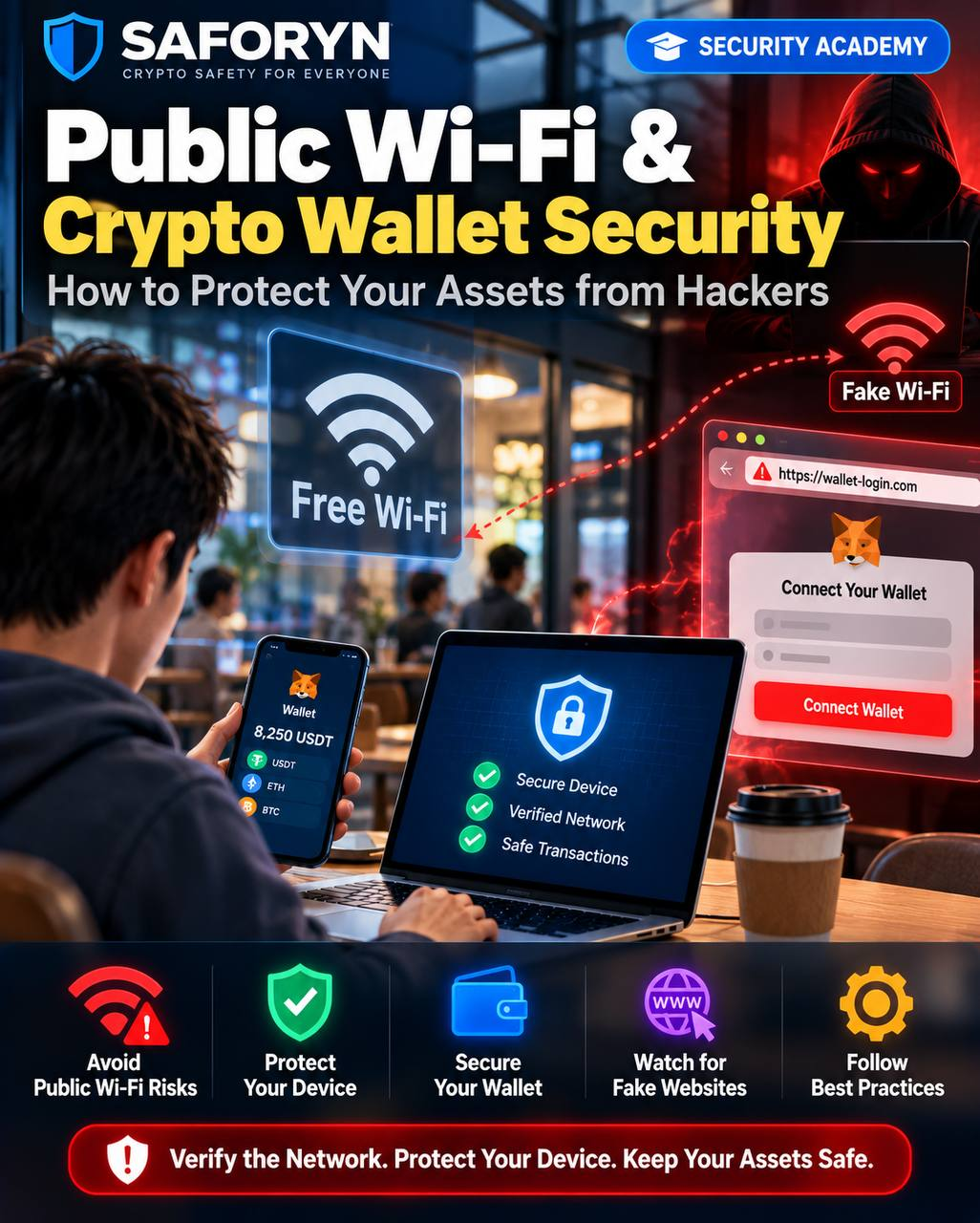
How to Protect Your Assets from Hackers
Wallet & Device Security | Educational Guide | October 2026
Public networks are convenient, but convenience can create opportunities for phishing, device compromise, and account theft. Using public Wi-Fi does not automatically expose your wallet keys: the danger usually involves a deceptive website, an unsafe device, stolen login credentials, or a harmful signature.
1. What Are the Risks of Public Wi-Fi?
Shared networks in airports, hotels, cafés, and coworking spaces may be poorly configured or impersonated. Attackers can set up lookalike hotspots, lure users to fake sign-in pages, or exploit vulnerable devices. Modern HTTPS protects much of normal web traffic, so simply joining a public network does not normally let a nearby stranger read your wallet recovery phrase.
2. How a Fake Wi-Fi Hotspot Scam Works
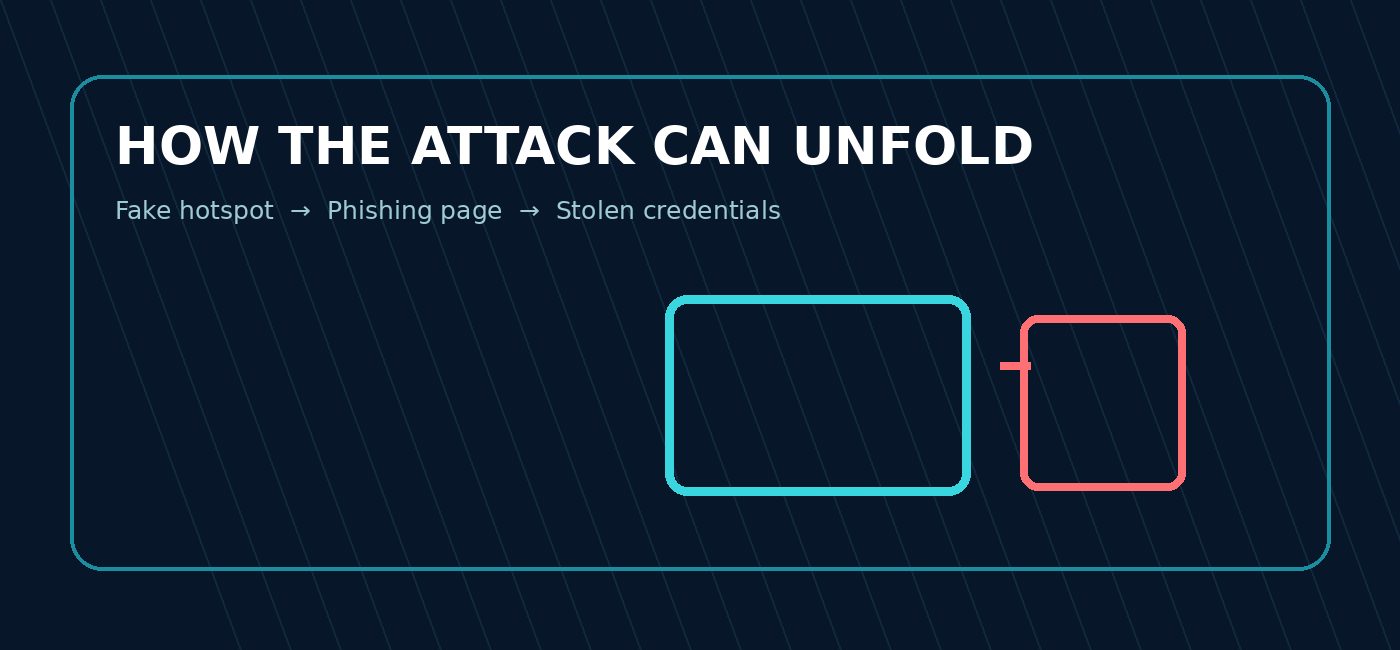
Stage 1 — The lure
A hotspot uses a name similar to the café or hotel network.
Stage 2 — The trap
A captive portal asks for an exchange password, email login, or a wallet recovery phrase.
Stage 3 — The compromise
The victim enters sensitive information, downloads a fake update, or visits a phishing site.
Stage 4 — The theft
The attacker uses stolen credentials or persuades the user to sign a malicious wallet transaction.
Example: A traveler sees “Airport_Free_WiFi_5G,” joins it, and receives a page demanding a crypto-exchange login. The page is controlled by a scammer. This is an illustrative scenario, not a verified incident.
3. Common Threats to Crypto Users
Evil-twin hotspots
Fake wireless networks mimic a trusted network name.
Phishing login pages
Counterfeit exchange or wallet pages harvest passwords, codes, or recovery phrases.
Malicious apps and updates
Untrusted installers may contain spyware, clipboard hijackers, or remote-access tools.
Device vulnerabilities
Unpatched operating systems and browsers can expose devices to exploitation.
Unsafe transactions
A fraudulent site may ask users to approve token spending or sign an unexpected transaction.
4. Eight Warning Signs
- The hotspot name differs slightly from the venue’s official network.
- A Wi-Fi portal asks for your wallet seed phrase or private key.
- You are instructed to install a certificate, profile, browser extension, or unknown app.
- A website redirects to an unfamiliar domain or shows a certificate warning.
- A stranger pressures you to log into an exchange immediately.
- Your wallet requests an unexpected token approval or signature.
- Your device displays unexplained pop-ups, permissions, or remote-access prompts.
- An account sends unexpected login alerts or shows unfamiliar sessions.
5. How to Protect Your Wallet and Device
Confirm the network
Ask venue staff for the exact SSID. Disable automatic joining of unfamiliar networks.
Prefer trusted connectivity
Use cellular data or a trusted personal hotspot for sensitive account management when practical.
Use HTTPS and heed warnings
Check the domain and do not bypass certificate errors. HTTPS reduces interception risk but does not make phishing sites legitimate.
Keep software updated
Install operating-system, browser, and wallet updates from official sources.
Secure accounts
Use unique passwords, phishing-resistant MFA where supported, and device screen locks.
Protect recovery material
Never enter a recovery phrase into a Wi-Fi portal, website, chat, or unsolicited support form.
Verify every signature
Review recipient, network, spender, amount, and token allowance. A hardware wallet helps protect keys but cannot stop a harmful authorization you approve.
Use a VPN thoughtfully
A reputable VPN can reduce exposure to some network-level risks, but it does not prevent phishing, malware, or malicious wallet signatures.
6. Before Making a Crypto Transfer
Independently verify the receiving address and network. Check the full address on a trusted display, especially if you copied it from the clipboard. Avoid sending funds while distracted or under pressure. For unfamiliar destinations, consider a small test transfer while remembering that it does not establish the recipient’s legitimacy.
7. What to Do If You Suspect Compromise
Disconnect and stop
Leave the suspicious Wi-Fi network. Do not continue entering passwords or signing wallet requests.
Secure accounts on a trusted device
Change affected passwords, review login sessions, enable MFA, and contact the exchange through verified channels.
Inspect the device
Update and scan the device; remove suspicious apps, extensions, or profiles. Seek qualified technical help if necessary.
Review blockchain permissions
Check recent transactions and token allowances; revoke unwanted allowances using reputable tools when appropriate. Revocation cannot reverse completed transfers.
Move assets if keys were exposed
If a recovery phrase or private key was disclosed, use a trusted device to create a new wallet and transfer remaining assets safely.
Preserve and report
Save URLs, screenshots, messages, wallet addresses, and transaction hashes. Report fraud to relevant providers and authorities. Avoid upfront-fee recovery offers.
8. Why This Matters
A secure blockchain does not guarantee a secure device, website, or human decision. Public Wi-Fi is one possible starting point for an attack, but phishing and dangerous authorizations are often the decisive steps. Security depends on independently verifying what you connect to, what you install, and what you sign.
9. SAFORYN Security Reminder
A public hotspot is not proof of danger, and a padlock icon is not proof of trust. Verify the network, protect your device, and never reveal your recovery phrase. When in doubt, postpone sensitive wallet actions until you can use a trusted connection and device.
10. Share This Article. Help Prevent the Next Victim.
One share could save someone’s crypto. SAFORYN encourages you to share this guide with friends, family, and crypto communities. A simple warning about fake Wi-Fi portals, malicious downloads, and dangerous wallet signatures could help someone protect their savings.
SAFORYN — Learn · Identify · Prevent
Disclaimer: Independent educational information, not financial, legal, forensic, or recovery advice. Illustrations and examples are conceptual.