
SAFORYNACADEMY
Fake Ledger Websites: How Scammers Steal Your 24-Word Recovery Phrase
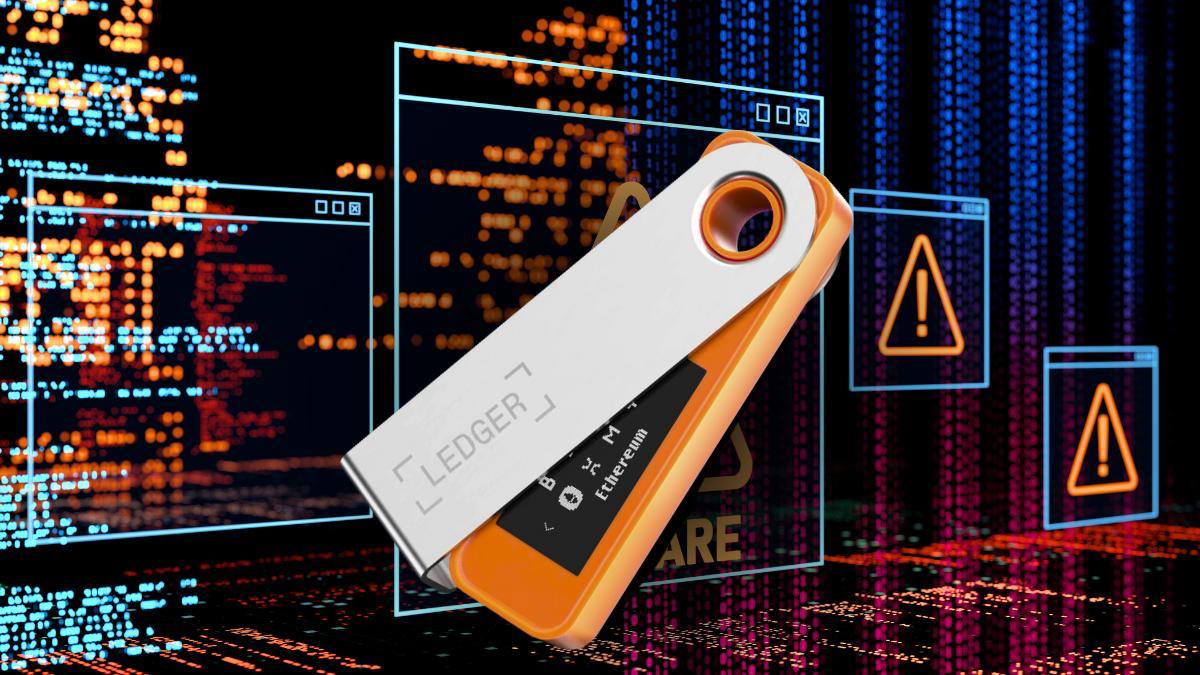
One fake website. One careless mistake. Your entire crypto wallet could be emptied.
Imagine opening what appears to be the official Ledger website. Everything looks familiar: the logo, the colors, the hardware wallet images, and even the security warnings.
Then a message appears:
"Your wallet is at risk. Enter your 24-word recovery phrase to secure your assets."
You follow the instructions, believing you're protecting your cryptocurrency.
Minutes later, your Bitcoin, Ethereum, or USDT disappears.
This is how fake Ledger website scams work. Attackers don't need to hack your hardware wallet. They simply trick you into handing over the information that controls your funds.
In this SAFORYN Security Academy guide, we'll explain how these scams operate, how to recognize the warning signs, and what you can do to protect your digital assets.
1. What Is a Fake Ledger Website?
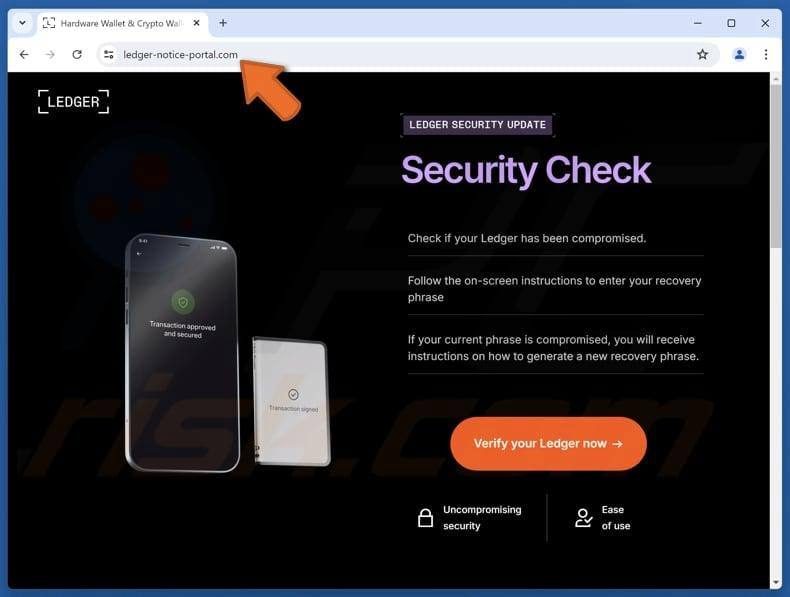
A fake Ledger website is a fraudulent webpage designed to imitate the official Ledger website.
Scammers copy branding, layouts, product photographs, and support information to make their websites appear legitimate.
They distribute links through Google search advertisements, Telegram groups, social media, emails, and fake customer support accounts.
These websites often display alarming messages such as:
"Your Ledger device requires urgent verification."
"Suspicious activity has been detected."
"Your wallet must be synchronized immediately."
"Enter your recovery phrase to prevent asset loss."
These messages are designed to create fear and pressure users into acting quickly.
The critical fact: Ledger will never ask you to disclose your recovery phrase through a website, email, or customer support conversation.
2. How the Scam Works
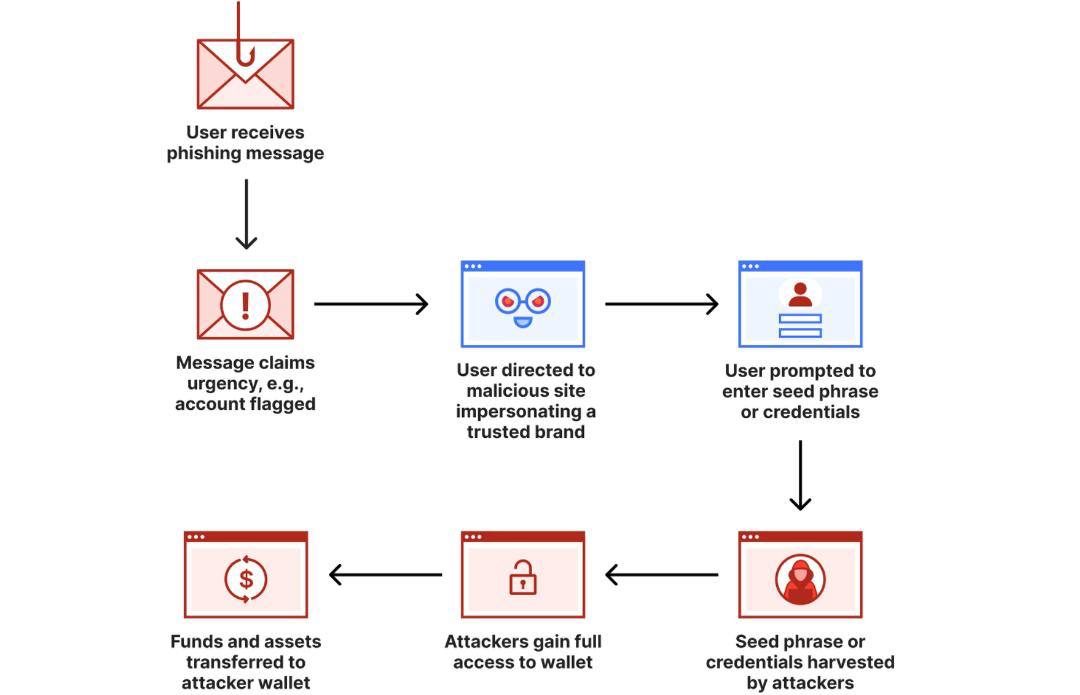
Most fake Ledger scams follow a predictable pattern.
Step 1 — The Fake Security Alert
You receive an email, Telegram message, or notification claiming to come from Ledger.
It warns that your wallet is compromised, requires an update, or could lose access to its assets.
The message contains a link and urges immediate action.
Step 2 — The Counterfeit Website
You click the link and arrive at a website that looks nearly identical to the official Ledger website.
The attackers may use a slightly altered domain name and professionally designed pages to create the illusion of authenticity.
Even a website displaying HTTPS and a padlock icon can be fraudulent. HTTPS encrypts the connection; it does not establish that the website operator is trustworthy.
Step 3 — The Recovery Phrase Trap
The website asks you to enter your 12, 18, or 24-word recovery phrase.
It may claim this is necessary to verify your identity, repair your wallet, or complete a security upgrade.
Once submitted, the recovery phrase may be transmitted directly to the scammers.
Step 4 — Your Assets Are Stolen
With the recovery phrase, attackers can recreate your wallet on another device and authorize transactions.
Your cryptocurrency may be transferred to addresses controlled by the attackers.
Because blockchain transactions are generally irreversible, recovering stolen funds can be extremely difficult.
3. Five Warning Signs of a Fake Ledger Website
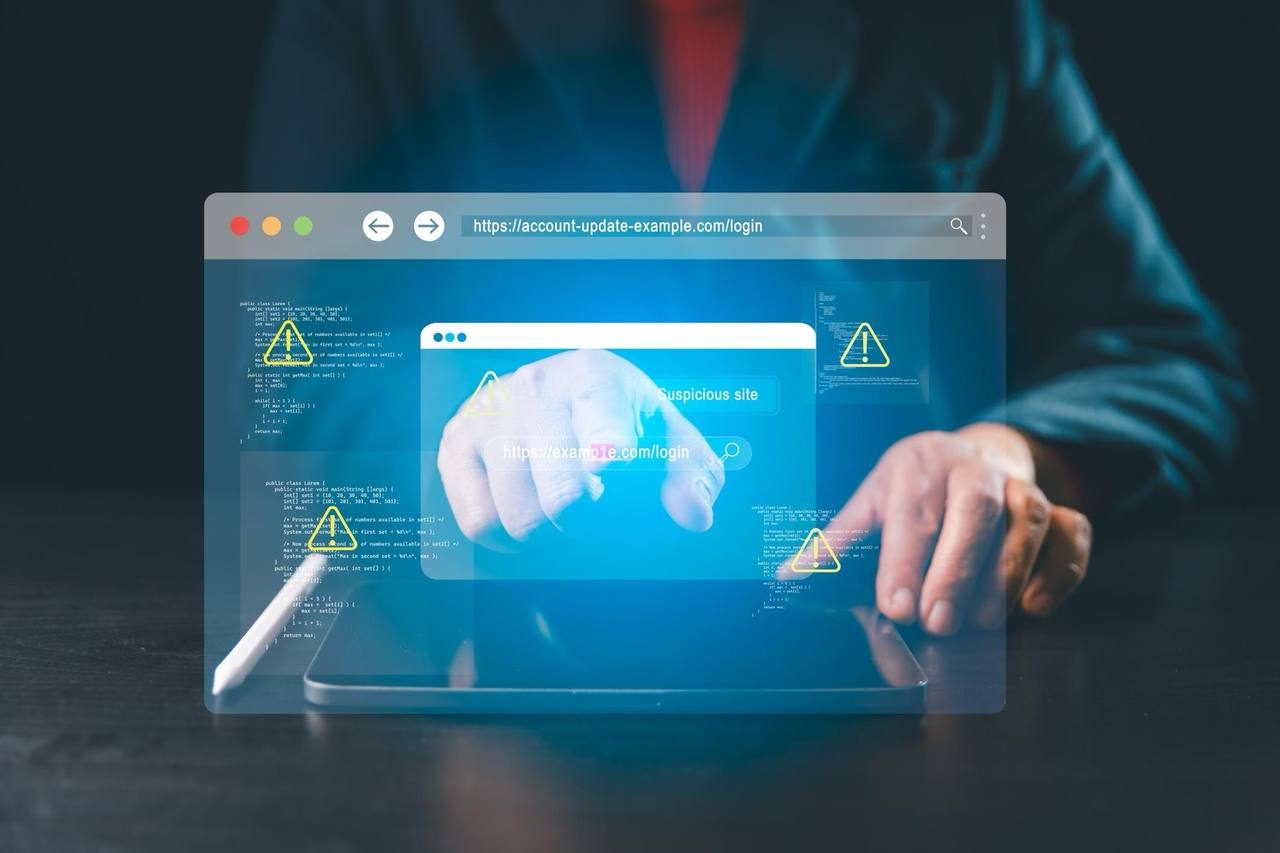
Recognizing suspicious behavior is one of the most effective ways to avoid becoming a victim.
Warning Sign 1: Suspicious Domain Names
The official Ledger website is:https://www.ledger.com
Scammers may use additional words, altered spellings, or misleading domain extensions to impersonate it.
Warning Sign 2: Requests for Your Recovery Phrase
Any website requesting your complete recovery phrase is a major danger signal.
Never enter your recovery phrase into a webpage, online form, or chat conversation.
Warning Sign 3: Urgent Security Threats
Messages claiming your wallet will be frozen or emptied unless you act immediately are common social engineering tactics.
Warning Sign 4: Unsolicited Support Messages
Be suspicious of anyone contacting you first and claiming to represent Ledger customer support.
Warning Sign 5: Unexpected Software Downloads
Fake websites may encourage you to install malicious software disguised as a wallet update or security tool.
Always verify software downloads through official channels.
4. How to Protect Your Crypto Wallet
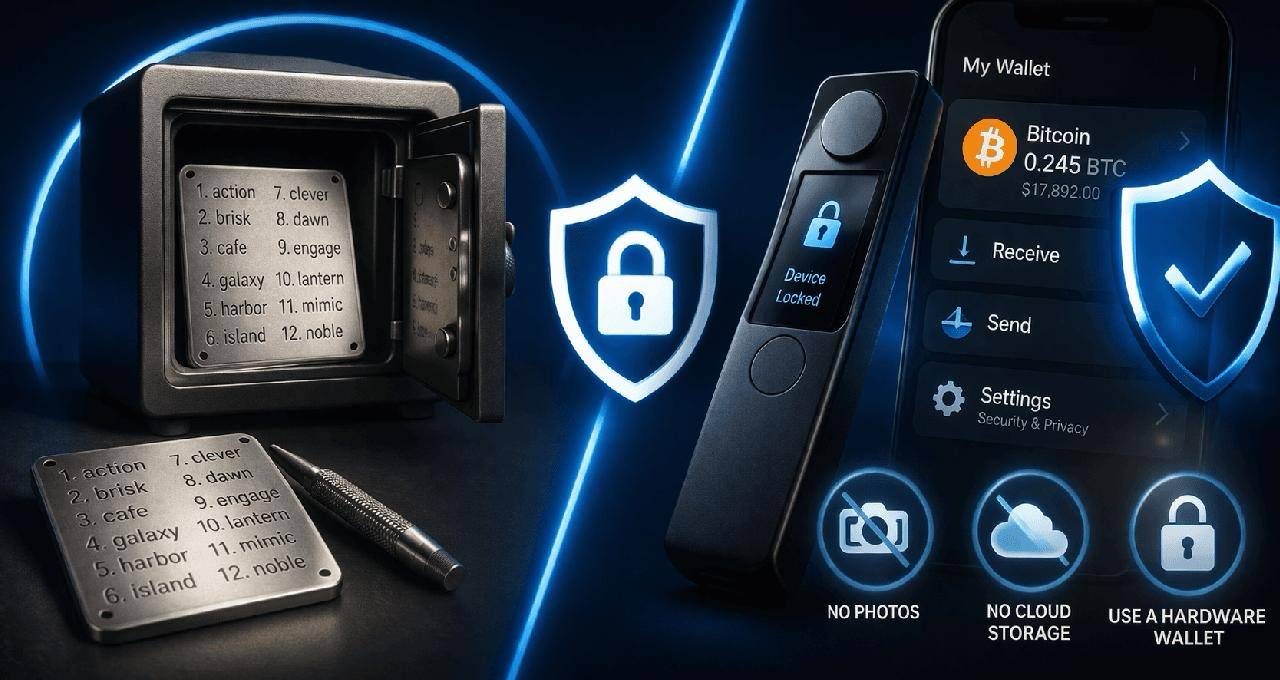
You don't need to be a cybersecurity expert to protect your assets. Following a few essential practices can significantly reduce your exposure to scams.
Never Share Your Recovery Phrase
Your recovery phrase is the master key to your cryptocurrency wallet.
Anyone who obtains it may gain control over your assets, even without physical access to your hardware wallet.
Never Enter Your Recovery Phrase on a Website
A legitimate recovery process should take place through a trusted wallet or hardware-device workflow, not through an ordinary website or support form.
For Ledger devices, follow official recovery instructions and enter recovery words on the hardware device when required.
Bookmark Official Websites
Save verified official websites in your browser and access them directly rather than relying on advertisements or unsolicited links.
Keep Your Recovery Phrase Offline
Avoid storing recovery phrases in screenshots, email accounts, cloud storage, or online notes.
Use a secure offline backup stored in a protected location.
Update Your Devices and Software
Keep your operating system, browser, and wallet software updated.
Download applications only from trusted official sources.
Verify Before You Act
When you receive an unexpected wallet security notification, independently check official information.
Do not allow urgency or fear to override your judgment.
5. What Should You Do If You Already Entered Your Recovery Phrase?
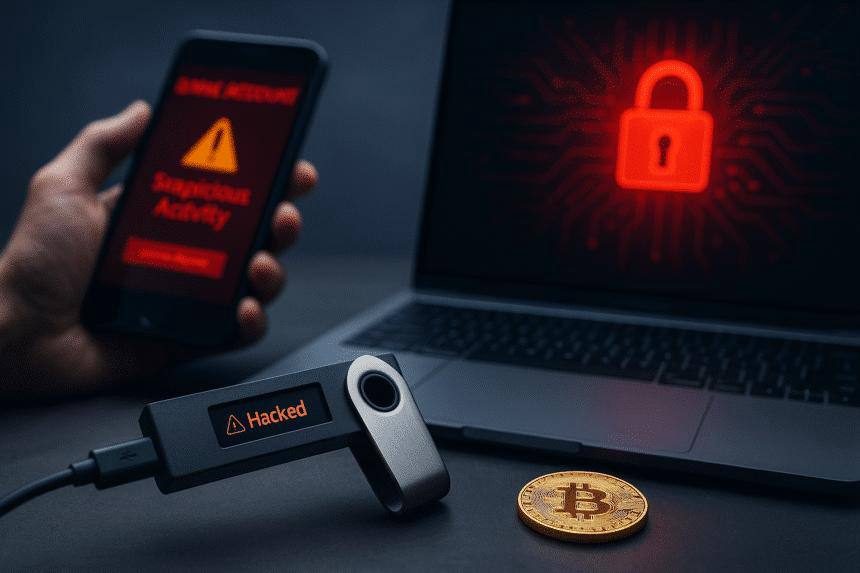
If you entered your recovery phrase into a suspicious website, assume that the wallet has been compromised.
Take immediate action.
First, stop interacting with the suspicious website. Do not submit additional information or install any software it recommends.
Second, create a completely new wallet using a trusted device and official wallet software. Generate a new recovery phrase that has never been exposed online.
Third, transfer any remaining assets from the compromised wallet to the newly created wallet as soon as you can safely do so.
Fourth, preserve evidence. Save suspicious website addresses, emails, messages, screenshots, wallet addresses, and blockchain transaction hashes.
Fifth, report the incident to the relevant platform and appropriate law enforcement or cybercrime reporting authority.
Be especially careful of recovery scammers. Fraudsters sometimes contact victims and promise to retrieve stolen cryptocurrency in exchange for an upfront fee.
No legitimate service can guarantee the recovery of stolen blockchain assets.
6. A Practical Scam Scenario
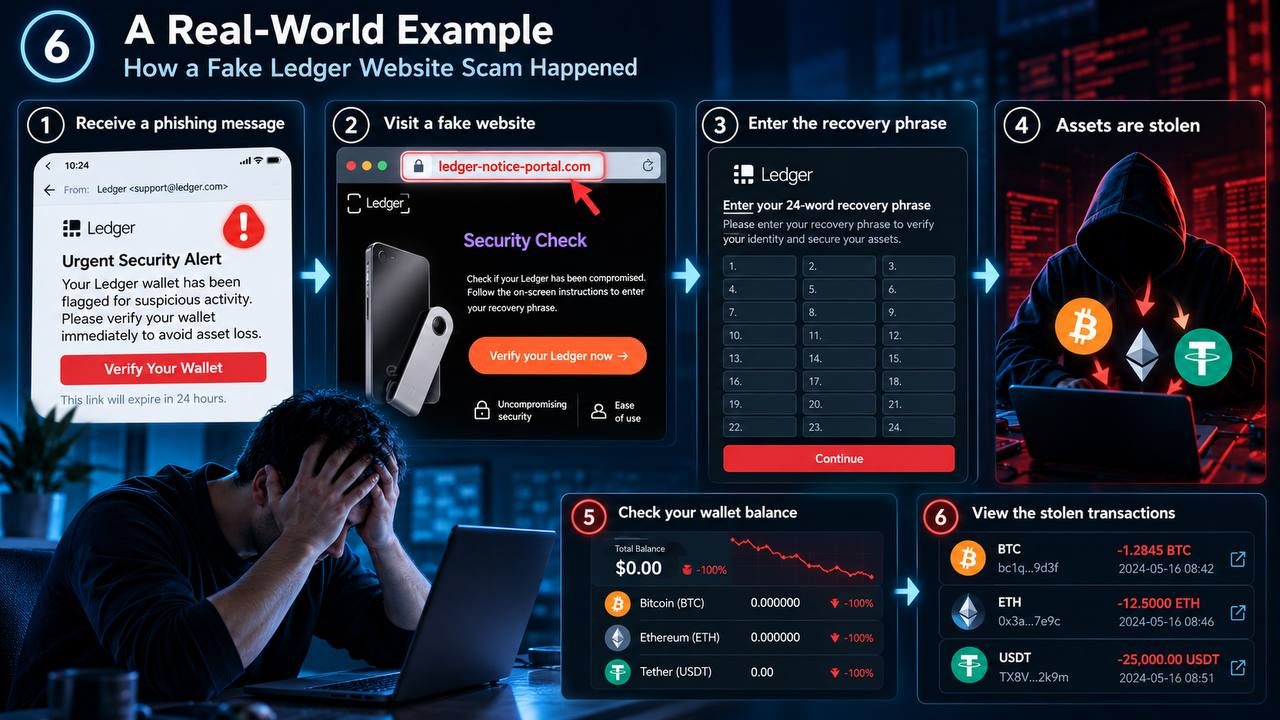
Consider the following illustrative example.
A cryptocurrency holder receives an email claiming that a Ledger device requires an urgent security update.
The message directs the user to a counterfeit Ledger website.
The page displays familiar branding and asks the user to enter a 24-word recovery phrase to complete verification.
Believing the warning, the user submits the words.
The attacker now has enough information to reconstruct the wallet and potentially transfer its cryptocurrency.
The user may only discover the theft after checking the wallet balance.
This scenario demonstrates a critical lesson: a hardware wallet cannot protect funds when its recovery phrase has been disclosed to an attacker.
7. SAFORYN Security Reminder
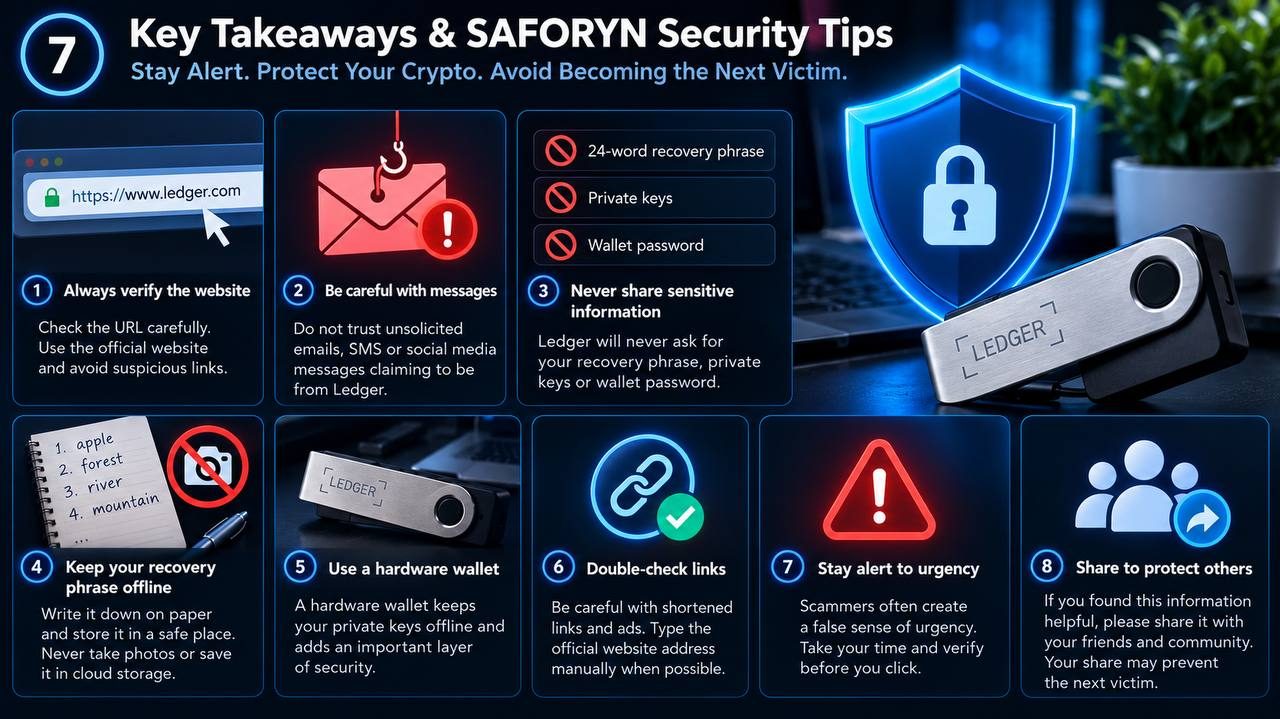
Stay Alert. Stay Safe.
Your recovery phrase is the key to your cryptocurrency. Protect it as carefully as you would protect your most valuable possessions.
Never trust a website simply because it looks professional.
Never let fear pressure you into revealing sensitive information.
Remember: No legitimate Ledger website or support representative will ask you to disclose your recovery phrase.
8. Share This Guide. Help Prevent the Next Scam.
One Share Could Save Someone's Crypto.
Every day, cryptocurrency users face phishing attacks, fake websites, and fraudulent security warnings.
Many victims lose their assets simply because they were unaware of the warning signs.
To help prevent the next victim, SAFORYN encourages you to share this article with your friends and family. Your one share could protect someone's entire crypto savings.